 Romain Sestier · · 9 min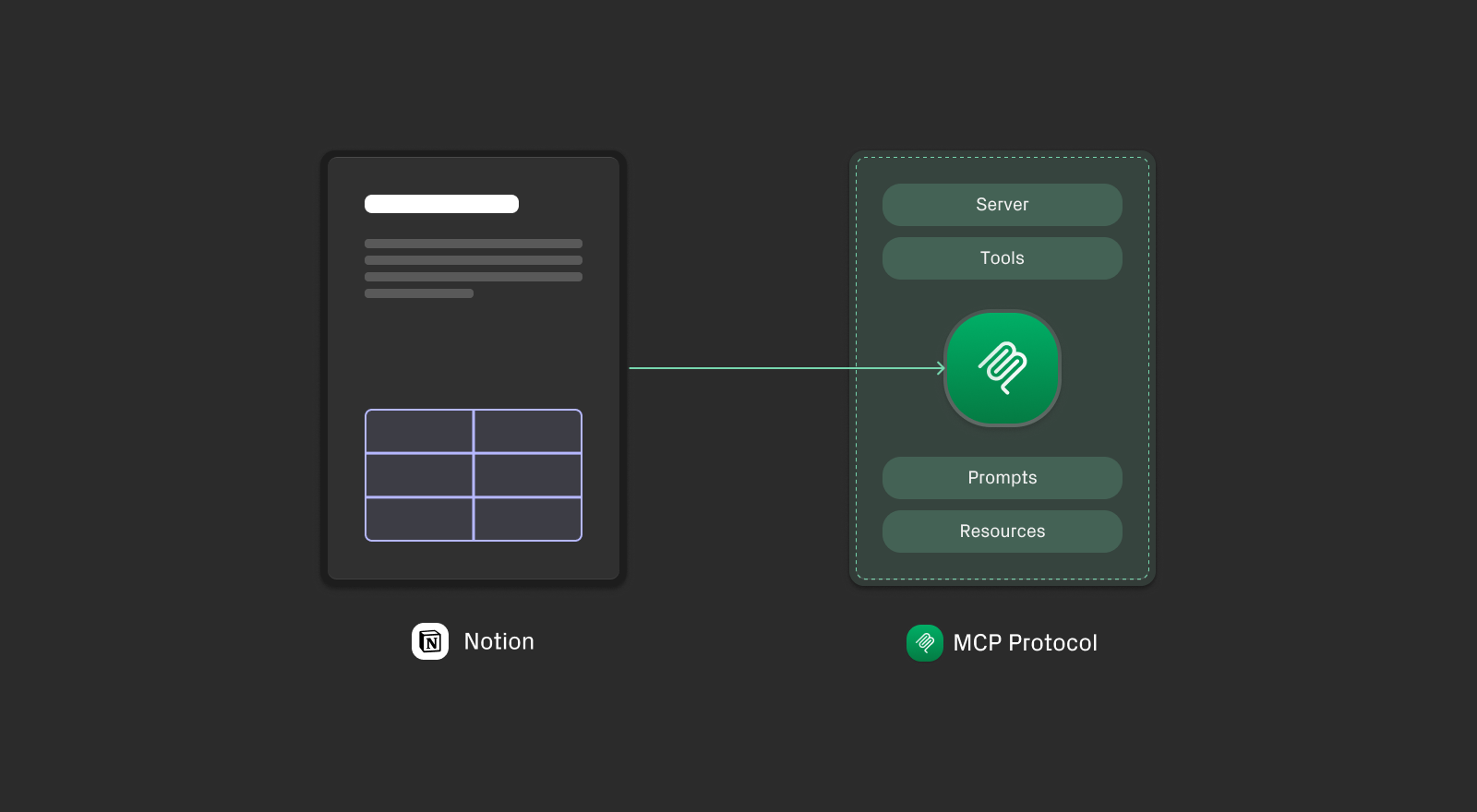
Notion MCP Server: Capabilities, Limitations, and Alternatives
Table of Contents
Notion MCP is Notion’s official Model Context Protocol server that lets AI agents like Claude or Cursor Agent connect to your Notion workspace.
Notion has two official MCP implementations.
- The hosted server is actively developed and where Notion is investing.
- The local server has more tools, but the Notion Local MCP Server is being officially sunset.
For most teams, the hosted MCP is what you’ll encounter. It handles search and retrieval well but has real limitations.
Here is a quick comparison of both Notion MCP servers for information before we dive in the hosted Notion Server capabilities and limitations.
Hosted vs. Local: Official Notion MCP Server Comparison
| Notion MCP (hosted) | Notion MCP (local) | |
|---|---|---|
| Tools | 18 | 22 |
| Auth | OAuth only | Integration Token |
| Source | mcp.notion.com | github.com/makenotion/notion-mcp-server |
| Status | Actively developed | Soft-deprecated |
| This post | ✓ | — |
Official Notion MCP vs. StackOne
Take a simple edit: an AI agent needs to update a single revenue figure in a quarterly report. One paragraph, one number. Here’s how each MCP handles it:
| Hosted Notion MCP | StackOne Notion MCP | |
|---|---|---|
| Prompt | Update Q3 revenue from $2.1M to $2.4M | Update Q3 revenue from $2.1M to $2.4M |
| Assistant | I’ll retrieve the page content and update the figure… | I’ll find the specific block containing the revenue figure and update just that block. |
| Tool Call 1 | notion-fetch — page_id: “quarterly-report-q3” | notion_get_block_children — block_id: “quarterly-report-q3” (returns block IDs + snippets) |
| Response | Retrieved 847 blocks (full page content as markdown) | Block IDs + snippets returned |
| Tool Call 2 | notion-update-page — replacing entire page content | notion_update_block — block_id: “revenue-paragraph-id” → “$2.4M” |
| Cons | • High token usage — full page loaded into context • Slow on long documents • Entire page replaced — may overwrite concurrent edits • No surgical editing of specific blocks | — |
| Pros | — | • Surgical update — only the target block retrieved and modified • Rest of the page untouched • No risk of overwriting concurrent edits |
| At a glance | 847 blocks · 2 tool calls · full replace | 1 block · 2 tool calls · block-level |
Hosted Notion MCP: Tools and Capabilities
The hosted Notion MCP ships 18 tools across six categories:
- Pages: Create, Fetch, Update, Move, Duplicate
- Databases & Views: Create database, Update data source, Create view, Update view
- Querying: Query data sources (Enterprise + Notion AI), Query database view (Business + Notion AI)
- Comments: Create, List
- Users: Get user, List users, Get bot user, Get teams
- Search: Search workspace
Why the Hosted Notion MCP Is Read-Only by Design
Notion’s hosted MCP is built around one core use case: finding and reading content. Search, retrieval, Q&A over your workspace — these patterns are handled well.
Content editing is out of scope by design. Block-level modifications are more complex, carry a higher risk of unintended changes, and require careful handling in collaborative environments. Notion has deliberately kept the hosted MCP focused on retrieval to ship a stable, reliable connector for the highest-frequency interactions.
That’s a reasonable call. But it means teams whose AI workflows go beyond search — agents that modify documents, navigate block hierarchies, or run without a user present — need something more.
Notion MCP Server Limitations
The hosted Notion MCP does not support:
- Block-level editing — get, update, delete, or append individual blocks
- Headless operation — requires OAuth with a user present; no bearer token support
- File access — uploads and attachments are not accessible
- Programmatic data source creation — no API to create or retrieve data sources
- Comment retrieval by ID — can list comments but not fetch a specific comment
The sections below detail each gap with the specific API endpoints that are missing.
No Block-Level Editing
Notion’s data model is hierarchical. Pages contain blocks. Blocks contain other blocks. This structure powers Notion’s flexibility for organizing complex information.
The hosted Notion MCP operates at the page level. It can fetch and replace full page content, but these block-level REST API endpoints are not available:
| Endpoint | Hosted MCP |
|---|---|
GET /blocks/{block_id} | ❌ |
PATCH /blocks/{block_id} | ❌ |
DELETE /blocks/{block_id} | ❌ |
GET /blocks/{block_id}/children | ❌ |
PATCH /blocks/{block_id}/children | ❌ |
The local open-source server does expose these endpoints, but it is soft-deprecated. Notion has stated they are “prioritizing, and only providing active support for, Notion MCP (remote)” and may sunset the local repository.
When this matters: If your AI agent needs to update a specific section of a document — say, revising the “Q3 Projections” heading without touching the rest of the page — page-level tools require replacing the entire content. For complex pages with embeds, synced blocks, or collaborative edits, this risks overwriting concurrent edits or corrupting embedded content.
Partial Data Source Management
The hosted Notion MCP includes some data source operations — you can update a data source’s properties, create a database, and query data sources (with an Enterprise plan and Notion AI). But these endpoints are not available:
| Endpoint | Hosted MCP |
|---|---|
POST /v1/data_sources | ❌ |
GET /v1/data_sources/{id} | ❌ |
GET /v1/data_sources/templates | ❌ |
When this matters: If your AI workflows need to create and manage data sources programmatically, or query databases without an Enterprise plan requirement, you’ll hit the ceiling.
No File Access
Notion supports file uploads and attachments, but neither official MCP implementation exposes file access:
| Endpoint | Hosted MCP |
|---|---|
GET /files | ❌ |
GET /files/{id} | ❌ |
When this matters: AI agents that need to inventory attachments, retrieve file metadata, or work with uploaded assets as part of their workflow.
Partial Comment Retrieval
You can create and list comments, but retrieving a specific comment by ID is not available:
| Endpoint | Hosted MCP |
|---|---|
POST /comments | ✅ |
GET /comments?block_id={id} | ✅ |
GET /comments/{comment_id} | ❌ |
When this matters: Agents that need to respond to specific feedback or understand the context of particular discussions without fetching all comments on a page.
StackOne’s Notion MCP: Authoring-Enabled
StackOne built an extended Notion MCP connector for teams whose AI workflows center on content modification, not just retrieval.
The connector covers the full authoring workflow:
- Block-level CRUD: Get, update, and delete individual blocks
- Hierarchy traversal: Retrieve and append block children for navigating document structure
- Data source management: Create, query, and manage database data sources programmatically. No Enterprise plan required.
- File access: List and retrieve uploaded files and attachments
- Full comment support: Including retrieval by specific comment ID
MCP Tool Comparison: Notion vs. StackOne
Here’s the complete picture as of March 2026:
| Category | Tool | Hosted Notion MCP | StackOne MCP |
|---|---|---|---|
| Pages | Create page | ✅ | ✅ |
| Pages | Get / Fetch page | ✅ | ✅ |
| Pages | Update page | ✅ | ✅ |
| Pages | Move page | ✅ | ✅ |
| Pages | Duplicate page | ✅ | — |
| Pages | Get page property | — | ✅ |
| Databases | Create database | ✅ | ✅ |
| Databases | Get database | — | ✅ |
| Databases | Update database / data source | ✅ | ✅ |
| Views | Create view | ✅ | — |
| Views | Update view | ✅ | — |
| Blocks | Get block | — | ✅ |
| Blocks | Update block | — | ✅ |
| Blocks | Delete block | — | ✅ |
| Blocks | Get block children | — | ✅ |
| Blocks | Append block children | — | ✅ |
| Data Sources | Create data source | — | ✅ |
| Data Sources | Retrieve data source | — | ✅ |
| Data Sources | Query data source | Enterprise + Notion AI | ✅ |
| Data Sources | Query database view | Business + Notion AI | — |
| Data Sources | List templates | — | ✅ |
| Comments | Create comment | ✅ | ✅ |
| Comments | List comments | ✅ | ✅ |
| Comments | Get comment by ID | — | ✅ |
| Files | List file uploads | — | ✅ |
| Files | Retrieve file upload | — | ✅ |
| Users | Get user | ✅ | ✅ |
| Users | List users | ✅ | ✅ |
| Users | Get bot user | ✅ | ✅ |
| Users | Get teams | ✅ | — |
| Search | Search | ✅ | ✅ |
| Total | 18 | 27 |
StackOne Managed Notion MCP: Beyond Tools
The tool count difference (18 vs 27) is only part of the story. A managed MCP server adds an infrastructure layer the protocol doesn’t specify. These are the production problems it solves.
Authentication and Headless Operation
The hosted Notion MCP is built for interactive tools — Claude Desktop, Cursor Agent, and Copilot. Notion’s documentation is explicit: it “does not support bearer token authentication” and is not designed for “cloud-based coding agents that run without human interaction.”
StackOne’s managed MCP supports both OAuth 2.0 and Integration Token, with server-side token refresh. No re-authentication, no session expiry. Agents run continuously — processing documents, updating databases, responding to triggers — without a human in the loop.
Context Efficiency
A raw Notion database query can return 55,000+ characters of nested JSON — page properties, metadata, revision history, block content. The agent receives all of it, regardless of what it actually needs.
Three techniques address this:
-
Tool Scoping — at the connector level, configure exactly which actions and scopes are available to each agent. An agent that only reads Notion pages never gets write or delete tools loaded into its context. Fewer tools in scope means less context consumed and a smaller blast radius by design.
-
Tool Search — instead of loading all available tools into context upfront, two meta-tools (
search_toolsandexecute_tool) let agents discover relevant tools at runtime. In StackOne’s internal benchmarks across MCP implementations, this reduced token consumption by 43% compared to vendor MCP defaults. -
Code Mode — for heavier workflows, the agent writes TypeScript in a sandboxed runtime. The raw API response stays in the sandbox; only a structured summary (~500 tokens) returns to the LLM. That’s a 96% reduction compared to the ~13,750 tokens a raw 55,000-character database response consumes.
Prompt Injection Protection
Every Notion page, database entry, or comment is a potential attack surface. A hidden instruction embedded in page content can hijack an agent’s next action without the user noticing.
StackOne’s Defender runs on every tool response before it reaches the model: pattern matching in under 1ms for known attacks, then a fine-tuned ML classifier in ~10ms for adversarial payloads. The model receives a clean response or a flagged alert — not a hijacked instruction.
For examples of what these attacks look like in practice — including one targeting Notion’s collapsed block structure — see 10 real MCP injection examples. For the technical breakdown of the two-tier defense, see Indirect Prompt Injection Defense for MCP Tools.
Permissions and Multi-Tenancy
A raw MCP connection typically uses one set of credentials. In production, each end user needs their own authenticated session — with credential isolation, automatic token rotation, per-tenant audit logs, and zero credential storage on your infrastructure.
Permissions are scoped at the connector level. An agent with read-only access to Notion pages cannot write. Define access once, enforce it across every connector in your stack.
| Official Notion MCP (Hosted) | StackOne Notion MCP | |
|---|---|---|
| Authentication | OAuth 2.0 only | OAuth 2.0 + Integration Token |
| Session | Tied to user authorization | Persistent, managed |
| Human presence required | Yes | No |
| Token refresh | Manual re-auth | Server-side automatic |
| Context optimization | None | Tool Scoping + Tool Search + Code Mode |
| Prompt injection protection | None | Pattern matching + ML classifier |
| Permissions | Full API access | Scoped RBAC |
| Multi-tenancy | Single credential | Per-user isolation |
| Best for | Claude Desktop, Cursor Agent, Copilot | LangChain, CrewAI, production pipelines |
Which Notion MCP Is Right for Your Use Case
The right choice depends on whether your agents read content, write content, or run without a user present.
| Official Notion MCP (Hosted) | StackOne Notion MCP | |
|---|---|---|
| Primary use case | Information retrieval & search | Information retrieval & search + content modification & production workflows |
| AI editing existing docs | Page-level replace only | Block-level surgical edits |
| Block hierarchy access | No | Yes |
| Data source management | Enterprise + Notion AI required | No plan restriction |
| File attachments | Not accessible | List & retrieve |
| Authentication | OAuth 2.0 (user-present) | OAuth 2.0 + Integration Token |
| Runs headlessly | No | Yes |
| Agent frameworks | Not supported | LangChain, CrewAI, custom pipelines |
| View management | Yes (create + update views) | No |
| Best for | Claude Desktop, Cursor Agent, personal productivity | Production agents, autonomous workflows |
Getting Started with StackOne’s Managed Notion MCP
StackOne’s Notion connector is available through our managed MCP. Setup is straightforward:
- Connect your Notion workspace via OAuth or Integration Token
- Configure which tools your AI can access based on your workflow requirements
- Access all 27 tools through the standard MCP protocol
Customization with the AI Connector Builder: If your workflows require tools beyond StackOne’s standard Notion connector, the AI Connector Builder lets you extend and modify any integration. Add custom tools, adjust existing tool behavior, or build entirely new capabilities.
Notion’s Official MCP Roadmap: What Won’t Change
Notion is actively investing in the hosted MCP. Tool coverage will expand. The official connector will get better.
But the gaps that matter for production AI agents aren’t just about tools. Authentication design, context management, prompt injection defense, multi-tenant permissions — these are architectural decisions, not missing features. Adding more tools to the hosted server doesn’t change that it’s built for interactive use with a human present.
If you’re building AI agents that read and search Notion, the official hosted MCP is a strong choice. If you’re building agents that write, modify, and run autonomously, the managed layer matters as much as the tool count.
StackOne provides agentic integration infrastructure for AI-native companies. Our managed Notion MCP server — whether accessed via MCP, A2A, RPC, or the AI Action SDK — exposes the full authoring toolset and handles the production layer: context efficiency, security, permissions, and headless auth. The AI Connector Builder lets you extend it further when needed.