
Amplitude MCP Server
for AI Agents
Connect your AI agent to StackOne's Amplitude MCP server and give it 63 MCP tools out of the box. Auth, tool execution, and security all managed.
 StackOne






Coverage
63 Agent Actions
Create, read, update, and delete across Amplitude — and extend your agent's capabilities with custom actions.

Authentication
Agent Tool Authentication
Per-user OAuth in one call. Your Amplitude MCP server gets session-scoped tokens with zero credentials stored on your infra.
Agent Auth →
Security
Agent Protection
Every Amplitude tool response scanned for prompt injection in milliseconds — 88.7% accuracy, all running on CPU.
Prompt Injection Defense →
Performance
Max Agent Context. Min Cost.
Free up to 96% of your agent's context window to enhance reasoning and reduce cost, on every Amplitude call.
Tools Discovery →What is the Amplitude MCP Server?
A Amplitude MCP server lets AI agents read and write Amplitude data through the Model Context Protocol — Anthropic's open standard for connecting LLMs to external tools. StackOne's Amplitude MCP server ships with 63 pre-built actions, fully extensible via the Connector Builder — plus managed authentication, prompt injection defense, observability, and agent execution runtime. Connect it from MCP clients like Claude Desktop, Claude Code, Cursor, Goose, and VS Code, or from agent frameworks like OpenAI Agents SDK, LangChain, and Vercel AI SDK.
All Amplitude MCP Tools
Every action from Amplitude's API, ready for your agent. Create, read, update, and delete — scoped to exactly what you need.
Events
- Send Events
Send one or more events to Amplitude using the HTTP V2 API for real-time event tracking and user behavior analysis.
- Get Events
Retrieve all event types in the project with current week totals and metrics.
- Export Events
Export event data from Amplitude for a specified date range. Returns a gzip-compressed archive of JSON files.
- Batch Upload Events
Upload multiple events to Amplitude in a single request for efficient bulk event processing.
Cohorts
- Upload Cohort
Create a new cohort or update an existing one by uploading a set of user IDs or Amplitude IDs.
- List Cohorts
Retrieve a list of all cohorts in your Amplitude project for audience segmentation and behavioral analysis.
- Get Cohort
Retrieve detailed information about a specific cohort including its definition, size, and metadata.
- Download Cohort
Download the list of users in a specific cohort after the async request has completed. Returns user IDs and associated data for audience analysis.
Unified Groups
- List Unified Groups
List unified groups in the connected Amplitude organization.
- Get Unified Group
Get a unified group from the connected Amplitude organization.
Unified Roles
- List Unified Roles
List unified roles in the connected Amplitude organization.
- Get Unified Role
Get a unified role from the connected Amplitude organization.
Unified Users
- List Unified Users
List unified users in the connected Amplitude organization.
- Get Unified User
Get a unified user from the connected Amplitude organization.
Event Categorys
- Create Event Category
Create a new event category for organizing event types in your Amplitude project.
- Get Event Category
Retrieve a specific event category by name.
- Update Event Category
Rename an existing event category.
- Delete Event Category
Remove an event category from your Amplitude project.
Event Types
- Create Event Type
Create a new event type in your Amplitude project's taxonomy for tracking and categorization.
- Get Event Types
Retrieve all event types in your Amplitude project with their metadata, categories, and configuration.
- Get Event Type
Retrieve details of a specific event type including its properties, category, and configuration.
- Update Event Type
Update an existing event type's metadata, category, visibility, or other configuration.
- Delete Event Type
Delete an event type from your Amplitude project's taxonomy.
Event Propertys
- Create Event Property
Create a new event property in your Amplitude taxonomy for a specific event type.
- Get Event Property
Retrieve details of a specific event property.
- Update Event Property
Update an existing event property's metadata, type, or configuration.
- Delete Event Property
Delete an event property from your Amplitude taxonomy.
User Properties
- Get User Properties
Retrieve all user properties defined in your Amplitude project's taxonomy.
- Update User Properties
Update user properties or associate a device ID with a user ID without sending an event, using the Identify API.
User Propertys
- Create User Property
Create a new user property in your Amplitude project's taxonomy for user data governance.
- Get User Property
Retrieve details of a specific user property from your Amplitude taxonomy.
- Update User Property
Update an existing user property's metadata, type, or configuration.
- Delete User Property
Delete a user property from your Amplitude project's taxonomy.
Group Propertys
- Create Group Property
Create a new group property in your Amplitude taxonomy for a specific group type.
- Get Group Property
Retrieve details of a specific group property from your Amplitude taxonomy.
- Update Group Property
Update an existing group property's metadata, type, or configuration.
Other (27)
- Get Chart Data
Retrieve data from Amplitude dashboard charts in JSON format for custom reporting and analysis.
- Get Active And New User Counts
Retrieve counts of active or new users over a specified date range with optional segmentation.
- Get Real-Time Active Users
Retrieve active user counts with 5-minute granularity for the past 2 days.
- Get Funnel Analysis
Retrieve funnel conversion and drop-off rates for a sequence of up to 4 events.
- Get Retention Analysis
Retrieve user retention metrics for starting and returning actions over a date range.
- Get Revenue LTV
Retrieve lifetime value metrics for new users including ARPU, ARPPU, total revenue, and paying user counts.
- Get Average Session Length
Retrieve average session length in seconds for each day in a specified date range.
- Get Session Length Distribution
Retrieve session count distribution across time buckets for a specified date range.
- Get Average Sessions Per User
Retrieve the average number of sessions per user for each day in a specified date range.
- Get User Composition
Retrieve the distribution of users across values of a user property in a specified date range.
- Get Cohort Request Status
Check the status of an asynchronous cohort download request to determine if the cohort data is ready for download.
- Get Unified Credentials
Get the current Amplitude connection's unified credentials and identity.
- Get Event Categories
Retrieve all event categories in your Amplitude project for organizing event types.
- Get Event Properties
Retrieve all properties for a specific event type in your Amplitude taxonomy.
- List Group Properties
Retrieve all group properties for a specific group type in your Amplitude taxonomy.
- List Project Role Assignments
List explicit project role assignments for users and groups in the Amplitude organization.
- Get User Effective Access
Get the resolved project access for an Amplitude user, including direct, group, and organization-level grants.
- Get Project Effective Access
Get which users and groups can access an Amplitude project, with their role and how access was granted.
- Get User Profile
Retrieve user profile data including properties, cohort memberships, recommendations, computations, and prediction propensities. This API isn't supported for customers in Amplitude's EU data processing region.
- Search Users
Search for a user by Amplitude ID, device ID, or user ID and retrieve their summary information.
- Get User Activity
Retrieve a user's summary and recent or earliest events by their Amplitude ID.
- Update Cohort Membership
Add or remove users from an existing cohort by incrementally updating its membership.
- Event Segmentation
Perform event segmentation analysis to understand how different user segments interact with specific events over time.
- Group Identify
Set or update group properties without sending an event, using the Group Identify API for B2B and account-level analytics.
- Restore Event Type
Restore a previously deleted event type in your Amplitude project's taxonomy.
- Restore Event Property
Restore a previously deleted event property in your Amplitude taxonomy.
- Restore User Property
Restore a previously deleted user property in your Amplitude project's taxonomy.
Set Up Your Amplitude MCP Server in Minutes
One endpoint. Any framework. Your agent is talking to Amplitude in under 10 lines of code.
Agent Frameworks


 JSON
JSON{
"mcpServers": {
"stackone": {
"command": "npx",
"args": [
"-y",
"mcp-remote@latest",
"https://api.stackone.com/mcp?x-account-id=<account_id>",
"--header",
"Authorization: Basic <YOUR_BASE64_TOKEN>"
]
}
}
}Check More Data & Analytics MCP Servers
203+ actions
122+ actions
115+ actions
112+ actions
102+ actions
98+ actions
76+ actions
Amplitude Resources
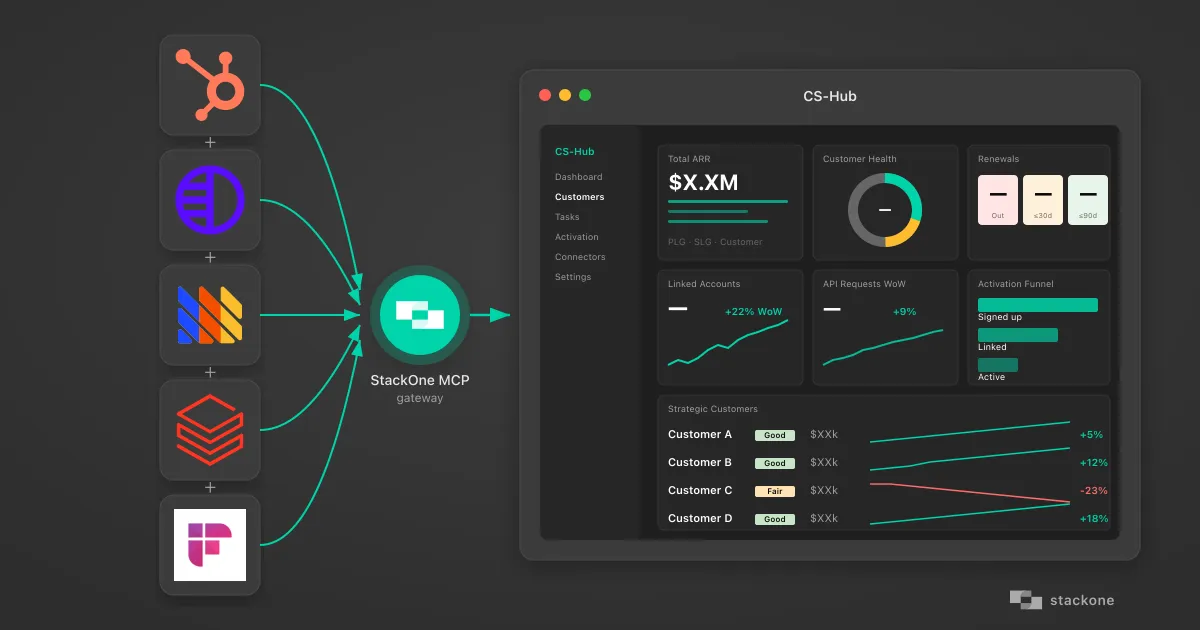
How I Vibe-Coded a Customer Success Hub Using StackOne's AI Native Integration Platform
How a non-developer vibe-coded a customer success dashboard pulling HubSpot, Pylon, PostHog, Databricks, and Fireflies through StackOne's MCP gateway.
7 min read
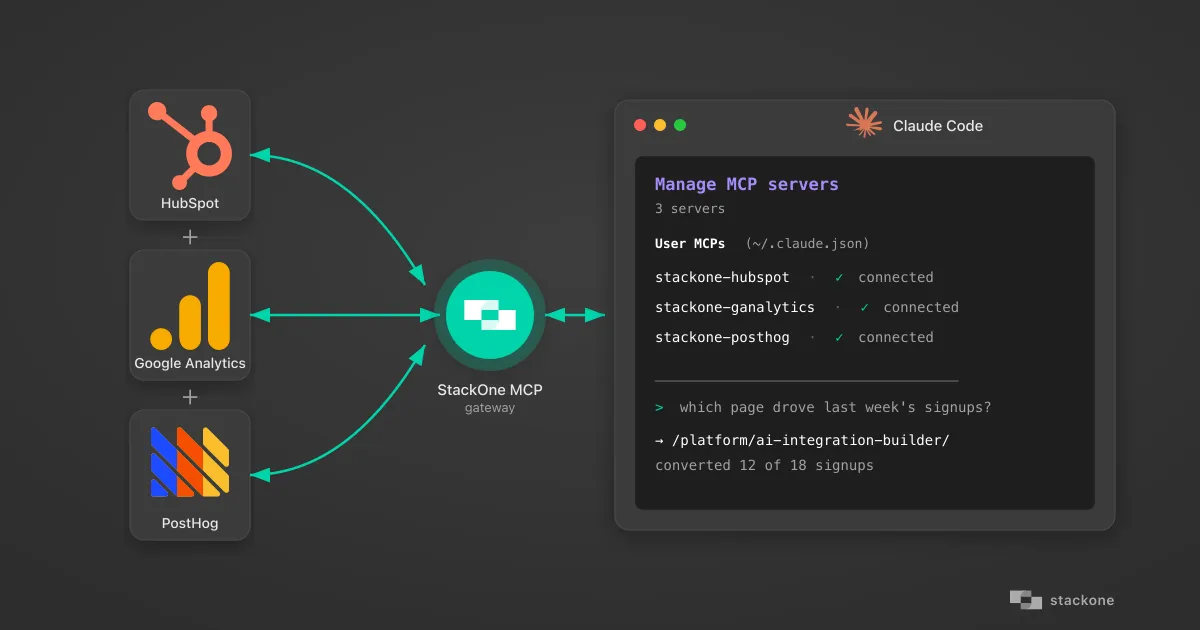
How to Build an AI Marketing Analytics Agent with Claude + an MCP Gateway
Connect Claude to GA4 and HubSpot through StackOne's MCP gateway. Surface bot traffic, funnel gaps, and signup attribution your dashboard doesn't show.
8 min read
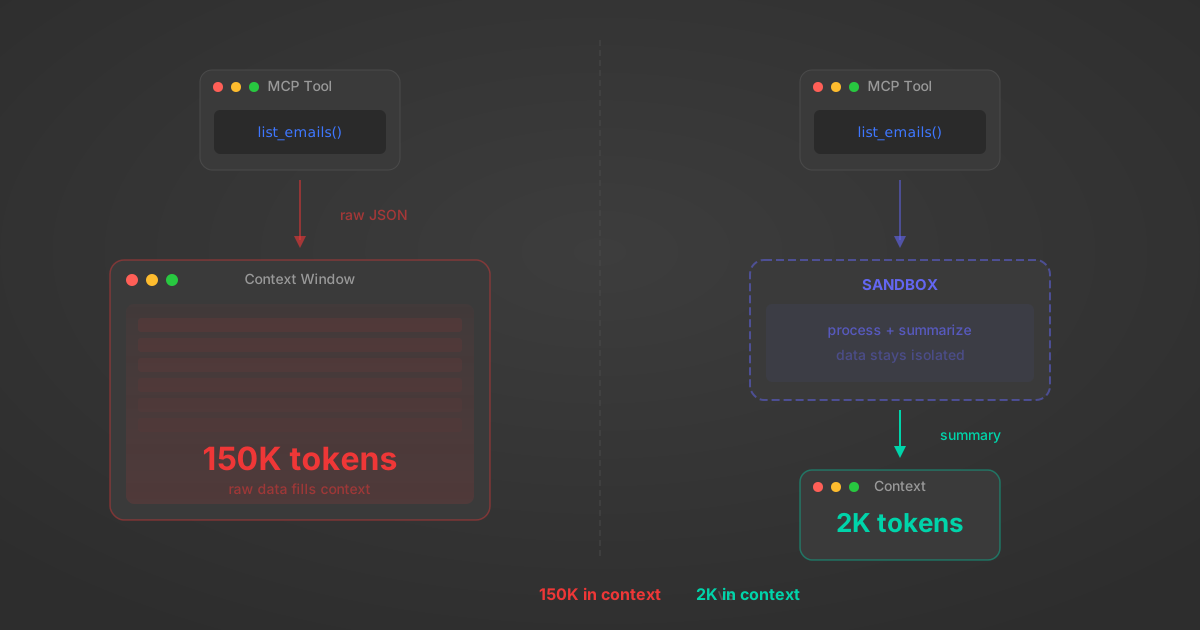
MCP Code Mode: Keeping Tool Responses Out of Agent Context
Anthropic's code_execution processes data already in context. Custom MCP code mode keeps raw tool responses in a sandbox. 14K tokens vs 500.
11 min
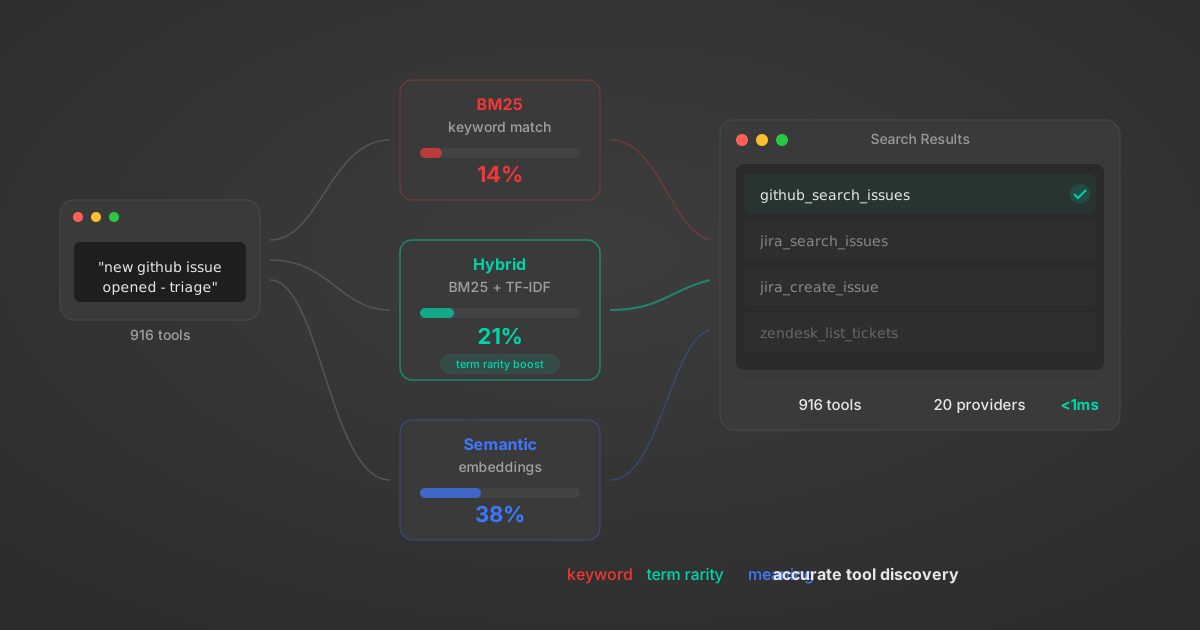
Comparing BM25, TF-IDF, and Hybrid Search for MCP Tool Discovery
Benchmarking BM25, TF-IDF, and hybrid search for MCP tool discovery across 916 tools. The 80/20 TF-IDF/BM25 hybrid hits 21% Top-1 accuracy in under 1ms.
10 min
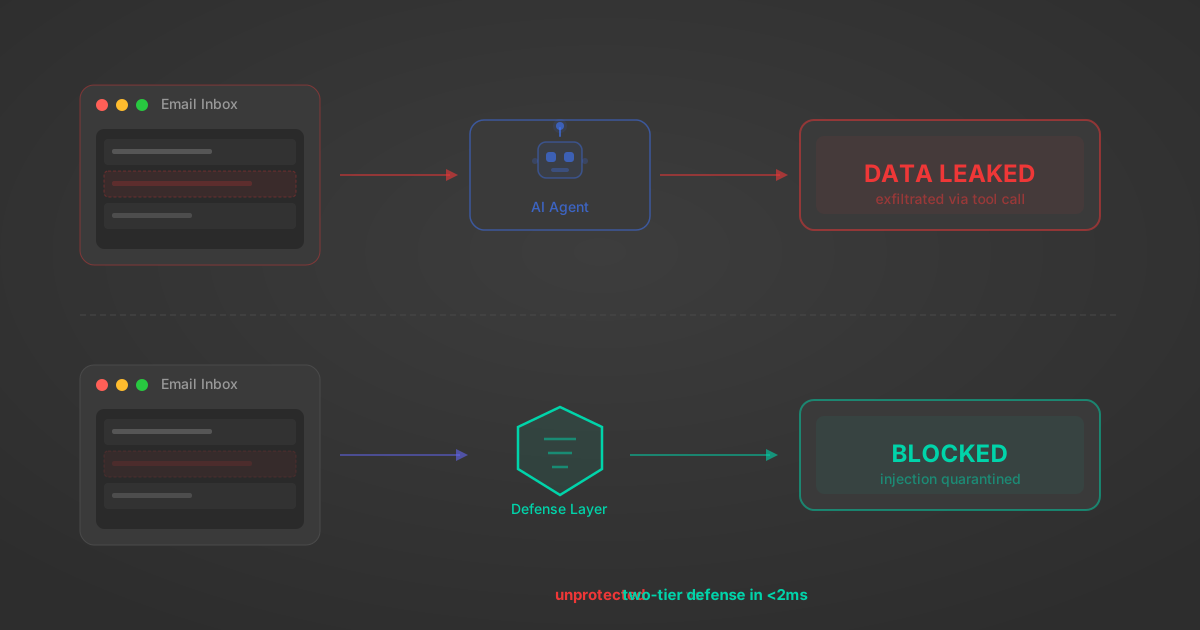
Indirect Prompt Injection Defense for MCP Tools: A Technical Guide
MCP tools that read emails, CRM records, and tickets are indirect prompt injection vectors. Here's how we built a two-tier defense that scans tool results in ~11ms.
12 min
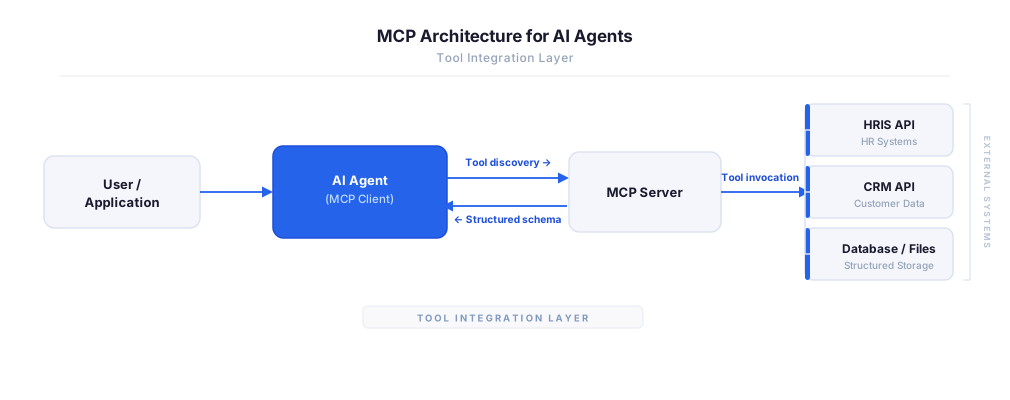
MCP vs A2A: Architecture, Security, and When to Use Each
MCP vs A2A: what each protocol standardizes, how they differ, their shared security risks including indirect prompt injection, and when to use one, both, or a hybrid architecture.
12 min
MCP vs API: What Hundreds of Connector Builds Taught Us
MCP wraps APIs, it doesn't replace them. After building hundreds of connectors that serve both, here's when each approach wins.
14 min read
Amplitude MCP Server FAQ
Does StackOne have a Amplitude MCP server?
Amplitude MCP server vs direct API integration — what's the difference?
How does Amplitude authentication work for AI agents?
origin_owner_id.Are Amplitude MCP tools vulnerable to prompt injection?
What is the context bloat of a Amplitude agent and how do I avoid it?
Can I limit which actions my Amplitude agent can access?
Can I create custom agent actions for my Amplitude MCP server?
When should I NOT use a Amplitude MCP server?
What AI frameworks and AI clients does the StackOne Amplitude MCP server support?
Put your AI agents to work
All the tools you need to build and scale AI agent integrations, with best-in-class connectivity, execution, and security.